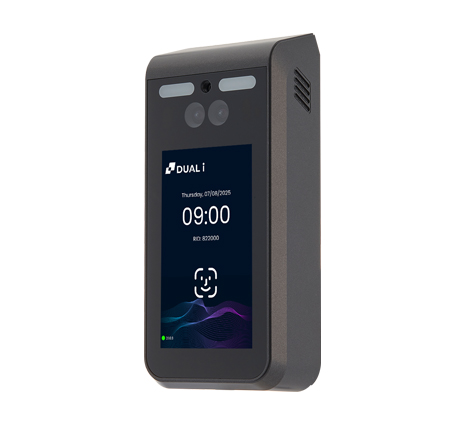
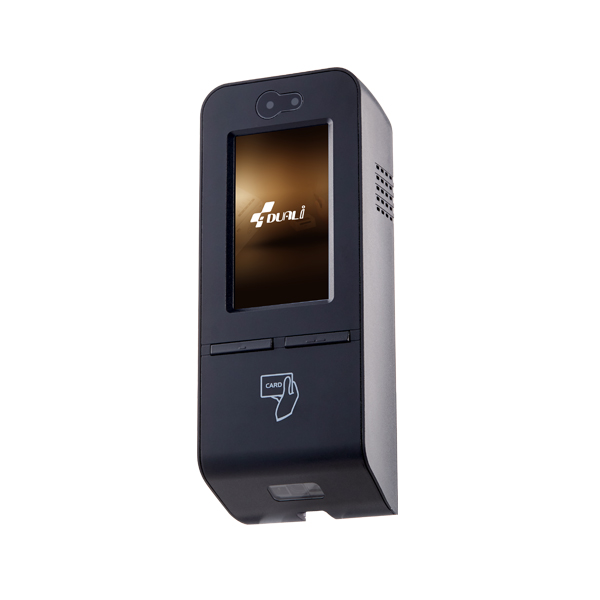
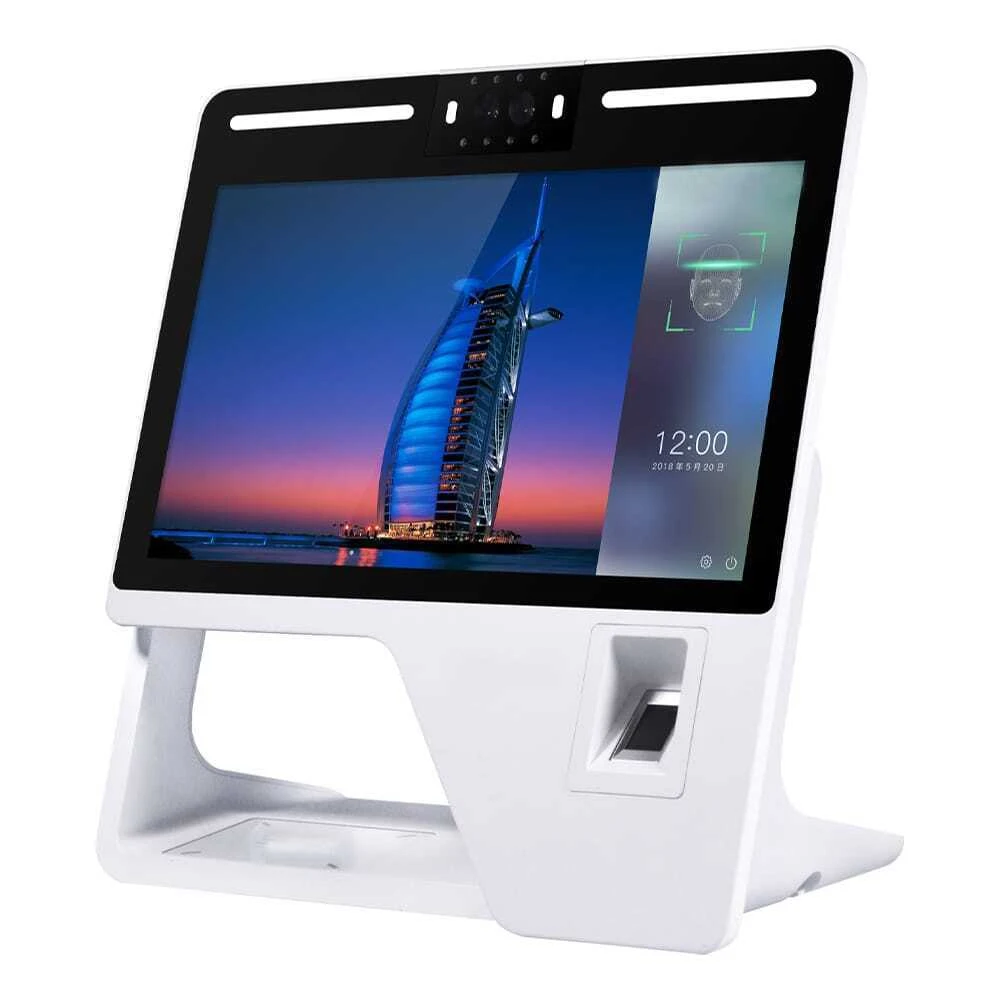
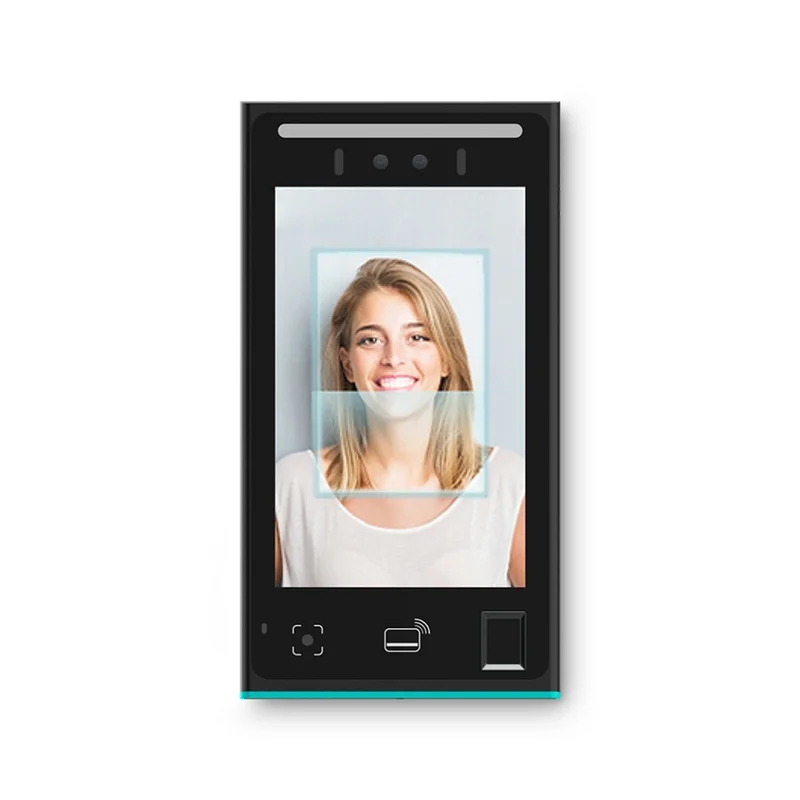
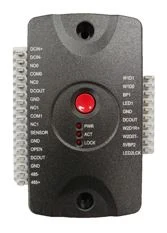
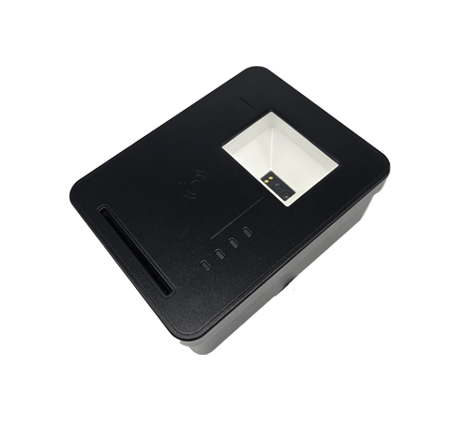
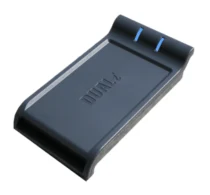
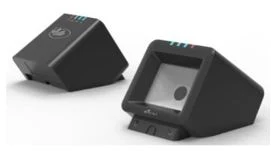
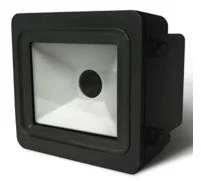
DF-970
AI face terminal with touchscreen — face, RF card, and NFC mobile ID at premium doors.
Hardware & device ecosystem
Duall Master connects genuine Duali hardware alongside cameras, intercoms, gates, lifts, parking, sensors, and controllers from many other vendors. Everything links seamlessly through APIs and advanced IoT device management, feeding one command platform.
Browse 11 Duali devices
Edge to command
Devices keep the site moving. Duall Master turns their signals into operator context, governed actions, and audit history.
Platform capabilities
QR or approval-based onboarding assigns devices to the right company, site, zone, and role in the platform.
A device gateway and secure messaging layer connect supported endpoints to Duall Master without exposing operator workflows to raw device plumbing.
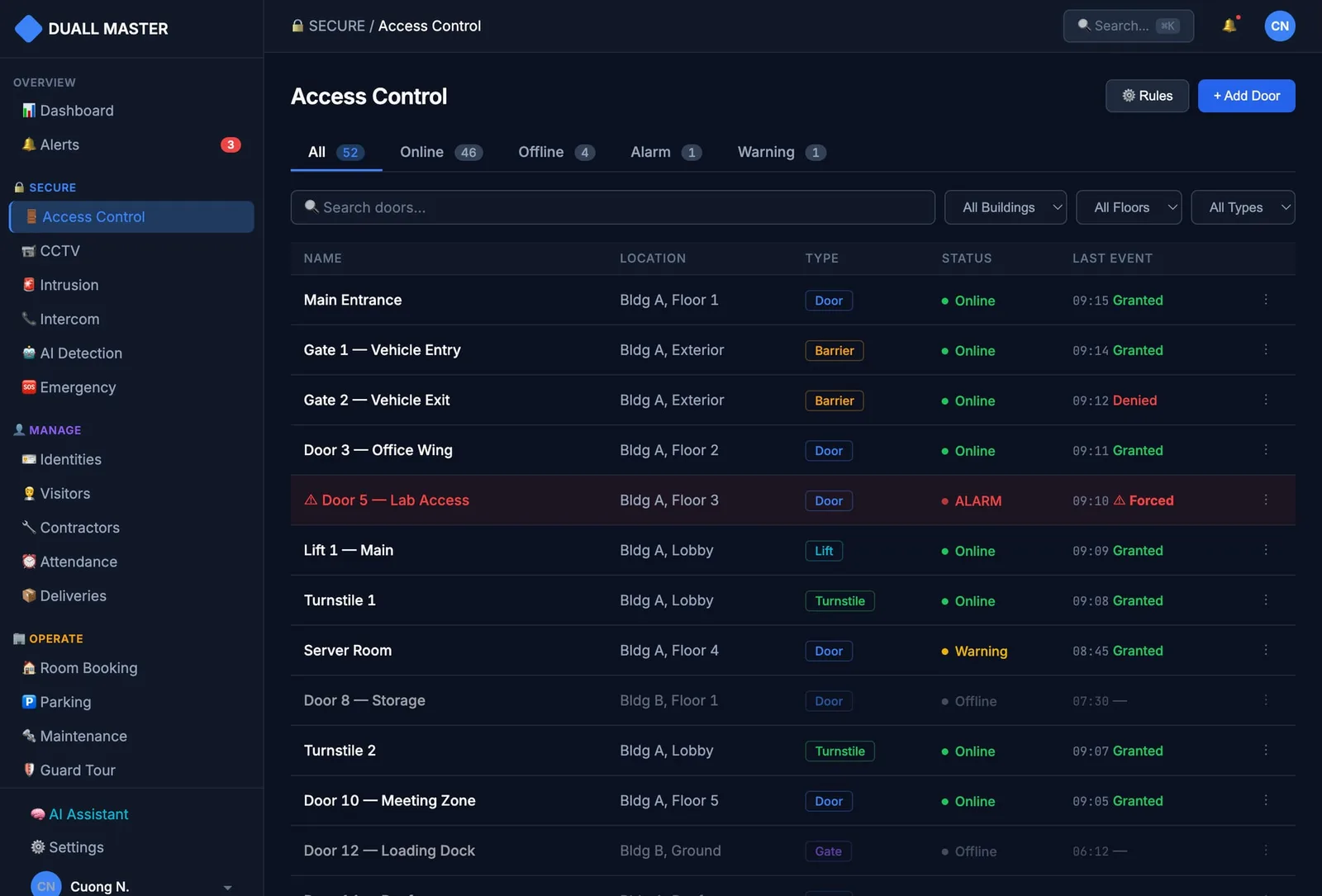
Heartbeat, online/offline state, and realtime events help operators see what is happening now.
Where supported, operators can send governed actions such as sync, unlock, snapshot, configuration, or diagnostic commands.
Device events, operator actions, policy changes, and investigation context remain reviewable.
Third-party hardware is validated per project using APIs, events, protocol adapters, and partner delivery where needed.

Edge-to-platform flow
Duali hardware and validated third-party systems can feed the same operating model: provisioned endpoint, secure connection, realtime signal, platform context, operator action, and audit.
DF-970, DQ-Mini Plus, controllers
Cameras, intercom, parking, gates
Secure onboarding, MQTT/events, adapters
Identity, policy, realtime status, audit
Monitor, investigate, control, report
Buyer-facing model. Exact hardware support, protocol adapters, and command permissions are validated per customer deployment.
Third-party ecosystem
The buyer story is simple: use the devices that make sense for the site, then connect them to one identity, event, policy, and audit foundation.
Integrates with compatible camera and VMS environments where streams, clips, and event context can be validated for the deployment.
Connects intercom workflows to identity, visitor, access, and operator response when project-specific connector scope is confirmed.
Works with compatible access equipment, controllers, and relay paths through deployment-specific integration validation.
Supports parking flows around compatible ANPR, gate, payment, or parking systems through phased integration design.
Can bring compatible door sensors, controllers, alarms, and site signals into the same operating picture.
APIs, event flows, and connectors support surrounding systems without claiming one universal compatibility list.
Duali portfolio
Genuine Duali hardware we deploy. Every device connects to the same identity, event, and audit platform — and the line-up keeps growing.
11
devices · and growing
Access control terminals (all-in-one)
4 devices
AI face terminal with touchscreen — face, RF card, and NFC mobile ID at premium doors.
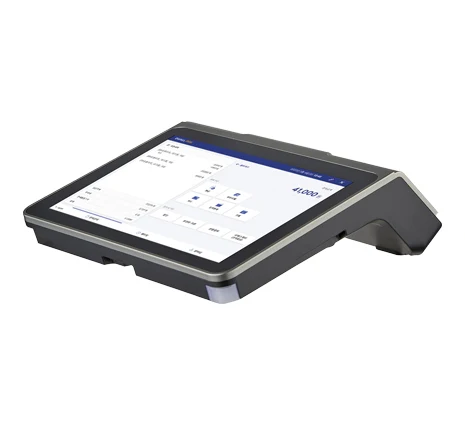
Android smart terminal with dual touch screens — card and mobile QR for staffed or self-service access points.
Outdoor all-in-one terminal — reads RF card, QR, and NFC mobile ID, and controls the door.
Wall-mount access terminal — HF/RF card, NFC phone via HCE app, and static or dynamic QR.
Door controller
1 devices
I/O door controller — onboard lock-control circuit, emergency-exit I/O, and TCP/IP.
Desktop readers
2 devices
Desktop citizen-ID (CCCD) reader — verifies QR, NFC, and chip data in under 3 seconds, on Windows and Linux.
Slim desktop read/write reader for card issuance and credential enrollment.
Readers
4 devices
Compact RF card + QR reader for everyday access points.
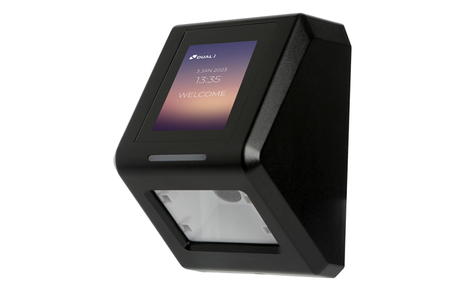
1D/2D barcode + QR reader with optional RFID/NFC — built for ticketing and high-throughput lanes.
IP65 outdoor proximity reader with Wiegand and serial output for access, attendance, or parking.
Wide-card reader for access, attendance, e-payment, and parking — broad card support with Wiegand and serial output.
How to evaluate fit
The professional answer is to inventory the device estate, separate native Duali hardware from third-party equipment, validate connectors, then design the rollout path module by module.
Next step
Review Duali device options, existing third-party hardware, provisioning approach, realtime event needs, and deployment-specific connector validation.