
Press, call, approve, open
Turn intercom calls into governed access workflows
A visitor presses the door station; the call routes to the resident or front desk on the mobile app, with identity and visit context on screen; one approval governs the door release — all on the audit trail.
Built for
Realtime status
Built for
Governed actions
Built for
Shared audit
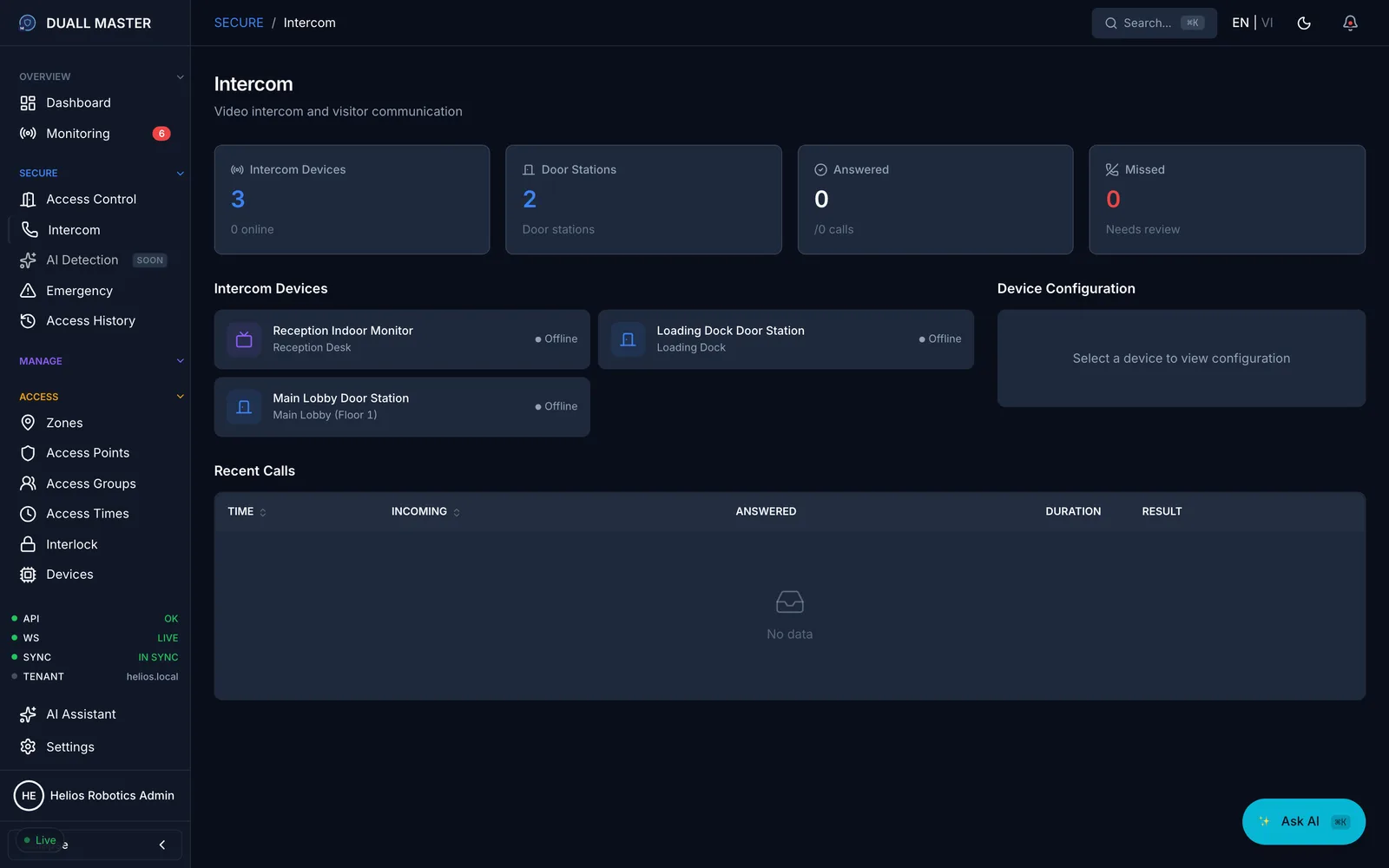
Operating model
Signal enters the module, context comes from the shared platform, action is preserved in audit.
Capabilities
What Duall Master does for Video Intercom
This module is designed as a command workflow, not a static admin screen.
Calls routed to the right resident, tenant, or front desk — answered on the mobile app
Approval triggers a governed door or gate release under site access policy
Each call shows live video with the caller and their expected visit
Works with SIP door stations and existing building intercom wiring
Call to access
A call that becomes a governed door release
A visitor presses the door station and the call routes to the right resident or the front desk — answered on the mobile app, with identity and visit context already on screen. One approval triggers a governed door or gate release, and every step lands in the audit trail.
- 01
Press at the door
A visitor calls from the lobby or gate station — apartment door, mixed-use entrance, or controlled reception.
- 02
Ring the right person
The call routes to the resident or operator and is answered on the mobile app — at the desk or on the move.
- 03
See who and why
Live video plus identity and visit context — who is calling, who they are here for, and any expected visit.
- 04
Approve the release
One tap governs a door or gate release under site access policy — no shared buzzer code, no guesswork.
- 05
Logged for review
The call, the decision, and the access action are recorded together for incident review and audit.
Answer from the mobile app · Built for apartment lobbies, mixed-use entrances, and staffed reception.
AI Assistant · for Video Intercom
Just ask.
Operator
"Who answered the lobby intercom calls today?"
→ get_recent_access_events + intercom log
Signal
Video Intercom events enter the same realtime operating timeline as access, visitor, video, parking, and audit activity.
Context
Operators see identity, policy, site, zone, device, and linked module records before acting.
Action
Approvals, overrides, reviews, and notes are governed by role and preserved in audit history.
Hardware
Runs on real Duali devices
Face, card, QR, and NFC terminals, door controllers, and outdoor readers — the same hardware deployed on live sites.
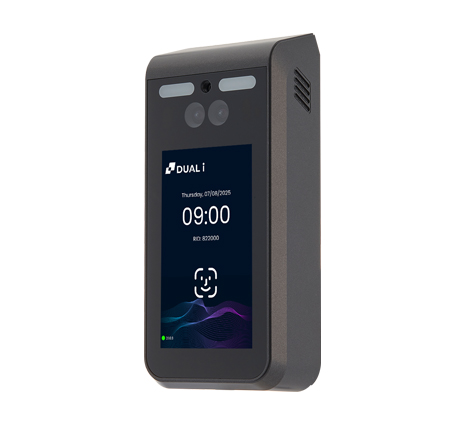
DF-970
AI face terminal with touchscreen — face, RF card, and NFC mobile ID at premium doors.
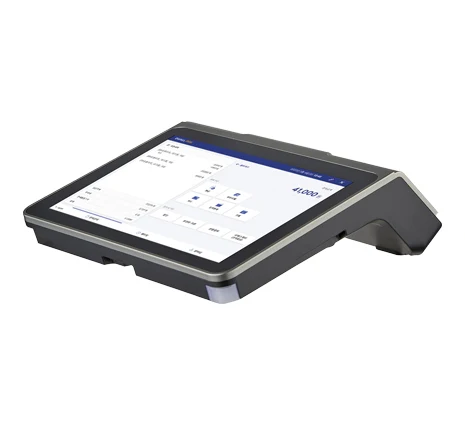
iTOUCH 30A
Android smart terminal with dual touch screens — card and mobile QR for staffed or self-service access points.
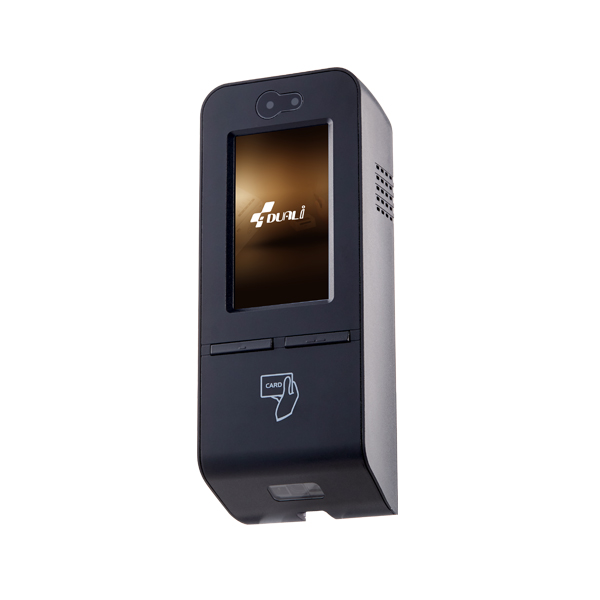
iTOUCH popX
Wall-mount access terminal — HF/RF card, NFC phone via HCE app, and static or dynamic QR.
ICU-300N
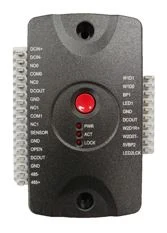
I/O door controller — onboard lock-control circuit, emergency-exit I/O, and TCP/IP.
Hardware context
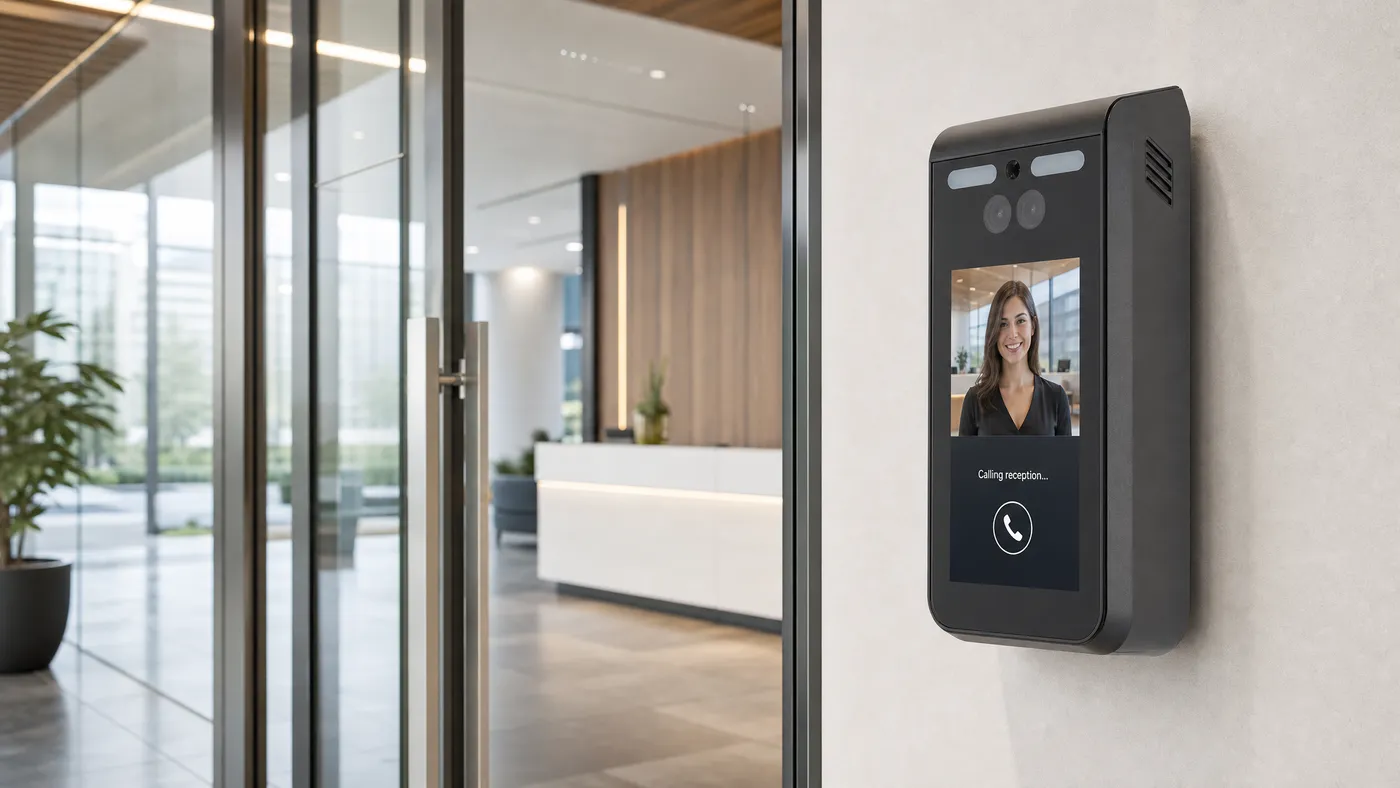
DF-970 and DQ-Mini Plus access context
Use the product UI to evaluate operational workflows and audit data. This hardware visual is grounded in the Duali DF-970 face terminal and DQ-Mini Plus QR/NFC reader.
Operating workflow
From signal to context to action
A video intercom workflow should not end in an isolated log. It should move operators from live signal, to useful context, to governed action.
- 01
Take the call on the app with the caller and visit already on screen
- 02
Confirm approval and access permissions
- 03
Approve to release the door or gate — no shared buzzer code
- 04
Review call, decision, and access history for incidents
Built on one platform
Video Intercom runs on the same platform as every other module.
Signal
Context
Action
Audit
Built on a shared foundation
Identity
Users, roles, tenants
Devices
Doors, cameras, intercom
Events
Realtime timeline
Audit
Reviewable actions
APIs
Connectors & flows
Deploy
Cloud · on-prem · hybrid
Each module works on its own — but they share one identity, events, audit, and integration layer, so they are stronger together. Exact scope is confirmed per project.
Product proof
Built for operational review, not just administration.
The module experience is designed around live status, structured records, linked context, and audit-friendly decisions.
Live status and exceptions
Part of the shared Duall Master command foundation.
Identity and policy context
Part of the shared Duall Master command foundation.
Linked event history
Part of the shared Duall Master command foundation.
Reviewable operator actions
Part of the shared Duall Master command foundation.
For
Residential and mixed-use buildings
For
Office lobbies and controlled reception areas
For
Campuses and healthcare environments
For
Sites connecting older intercom flows to modern operations
Platform connection
Stronger because the foundation is shared
Each module uses the same identity, event, audit, integration, and deployment foundation.
Next step
See Video Intercom in context
Discuss your site, module priorities, and deployment model with the Duall Master team.