
Solution context
Run office access, attendance, and reception from one command surface
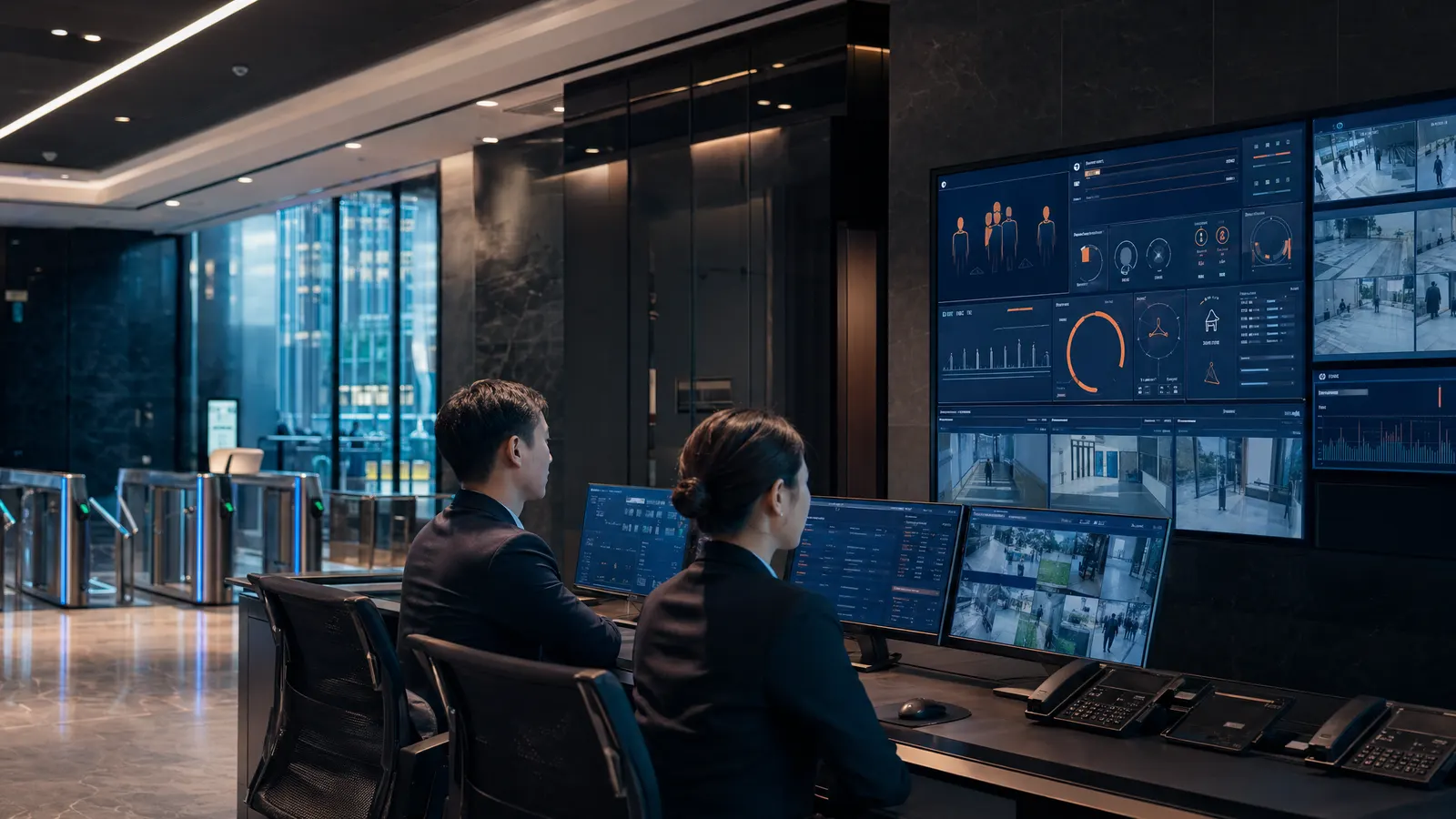
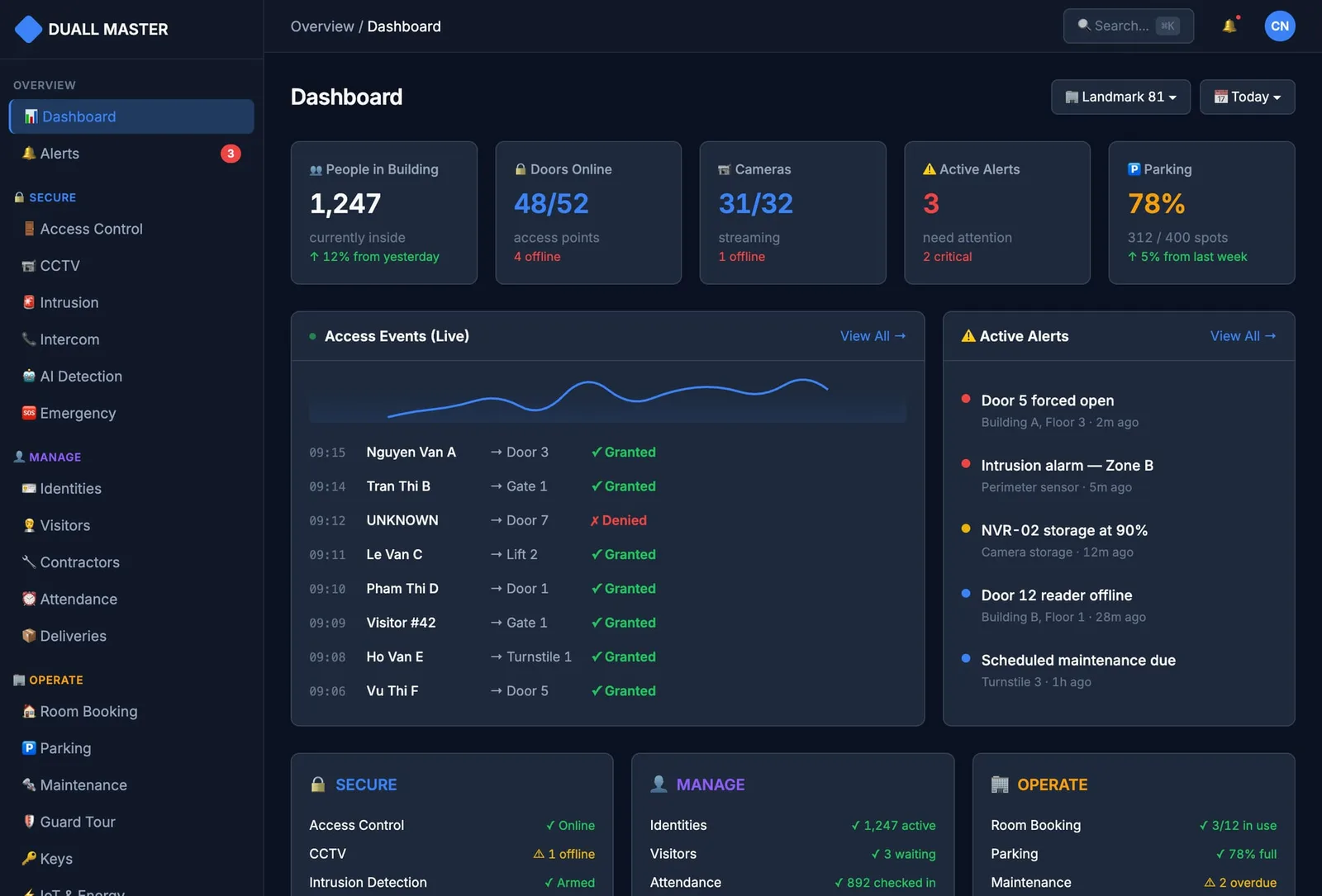
Employees badge in and that same entry becomes their timesheet; visitors arrive against invites; cars clear the barrier; security watches one live timeline. From a single HQ to a multi-tenant tower or a portfolio of sites, Duall Master runs it all on one identity and audit model.
One command surface
Module-by-module rollout
Audit-friendly operations
 Inside an office tower
 Inside an office tower
Tenants, visitors, and cars — one lobby, no juggling
Different companies on different floors, couriers all day, scheduled meetings, staff and visitor parking — an office building runs on overlapping flows. Duall Master keeps them on one tenant-aware system instead of four disconnected tools.
- 1
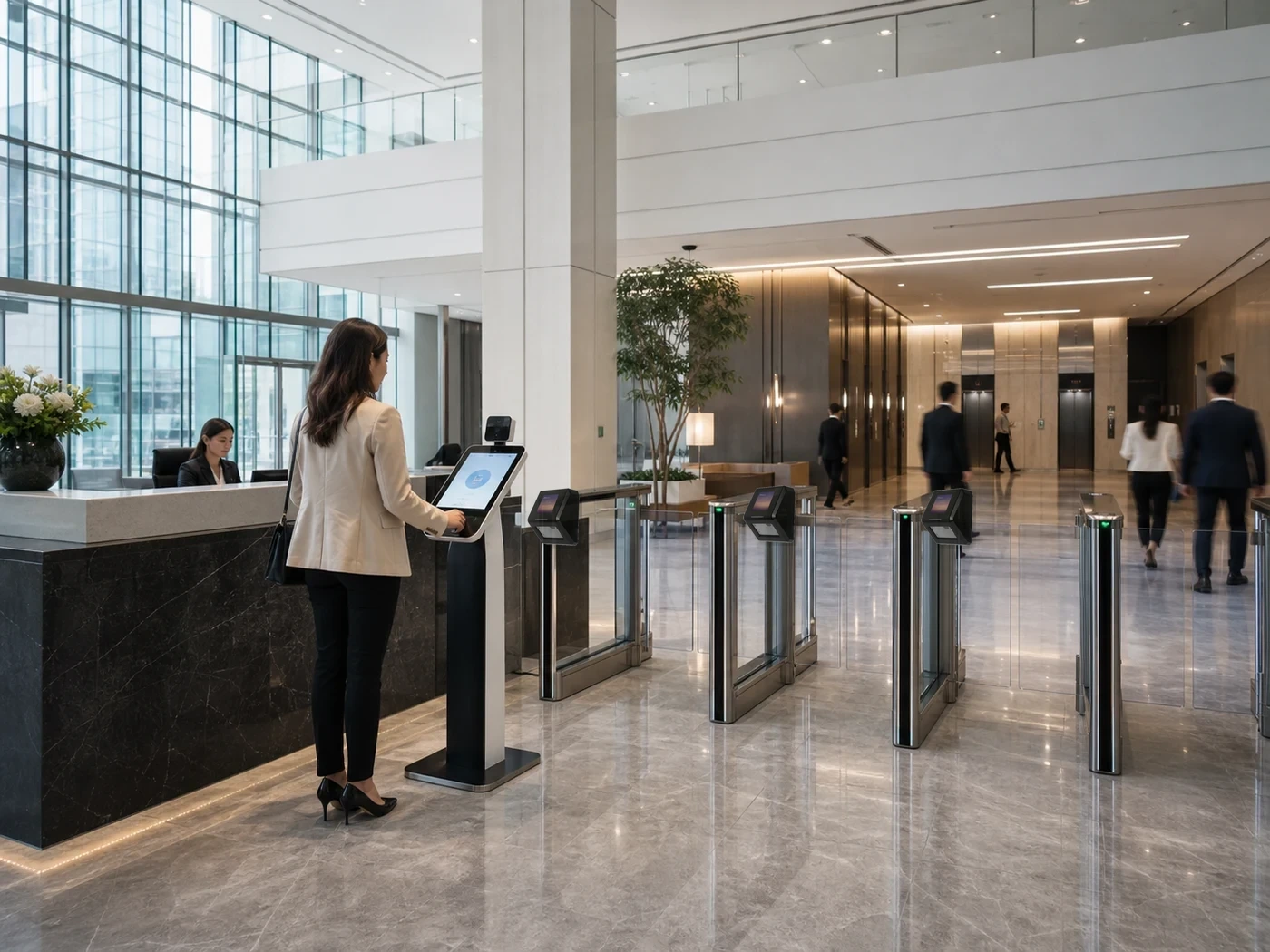
Badge in, and that’s the timesheet
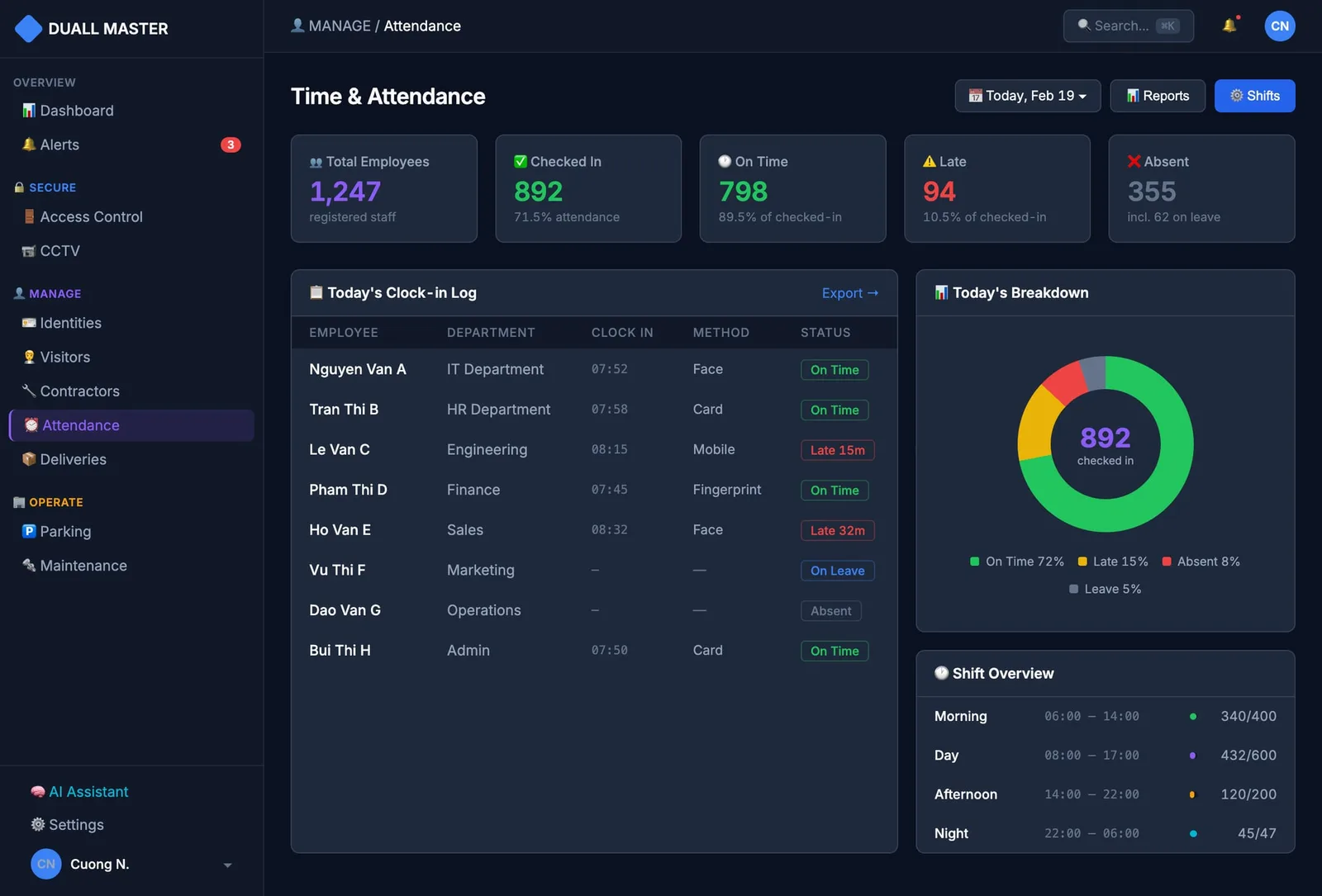
Employees open the door by face, card, or app — and that same entry is their attendance, so there’s no separate clock to swipe and no spreadsheet to reconcile.
- 2
Tenant-aware reception
A visitor for Floor 9 is announced to the right company, and their QR pass only opens that tenant’s floor and the lift that serves it.
- 3
Parking tied to the tenant
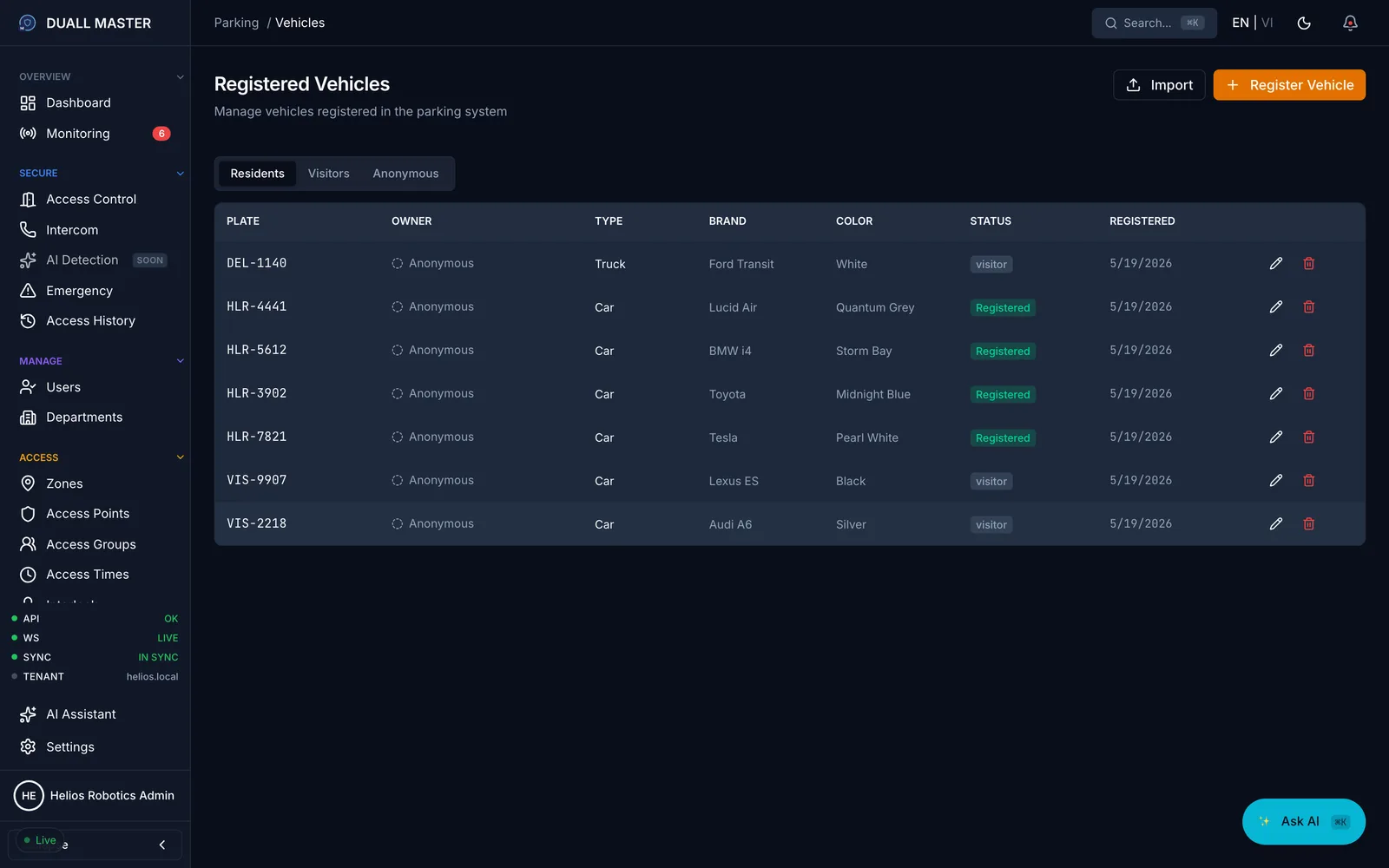
Staff and visitor vehicles are matched at the barrier and attributed to the right tenant — no paper logbook at the ramp.
- 4
One audit per tenant
Property management sees access, visitor, and parking history by tenant, ready for monthly billing and disputes.
A day in this building
Operations unfold as one connected timeline.
The value is not only individual modules. It is the way everyday movement, approvals, exceptions, and review become one operating picture.
- 01
Morning entry
Employees badge in; visitors arrive against scheduled invites; access points enforce role + zone permissions.
- 02
Operating hours
Reception greets visitors, security watches live events, facilities sees device status — all on one operator UI.
- 03
Exception review
A denied badge or expired visitor invite becomes a linked incident with identity, host, and camera context attached.
- 04
End of day
Attendance, visitor, and audit records close out cleanly for HR reporting and the next operator shift.
Before and after
Staff badging in and out all day, while timekeeping still gets reconciled by hand in spreadsheets
A front desk juggling walk-ins, deliveries, and pre-booked meetings with no shared visitor record
Tenants, departments, contractors, and parking each living in a separate tool with separate logins
Security and facilities needing live status and a clean audit trail — without ripping everything out to get it
Shared identity, policy, and site structure
Live events with module context attached
Governed operator actions with audit history
Phased expansion without replatforming
Most relevant modules
Module combinations for this environment
Each context starts with the module that solves the clearest operational pain, then expands on the same foundation.
Access Control
A shared platform for access decisions, credentials, audit, and operator response across sites and module combinations.
Explore module →Visitor Management
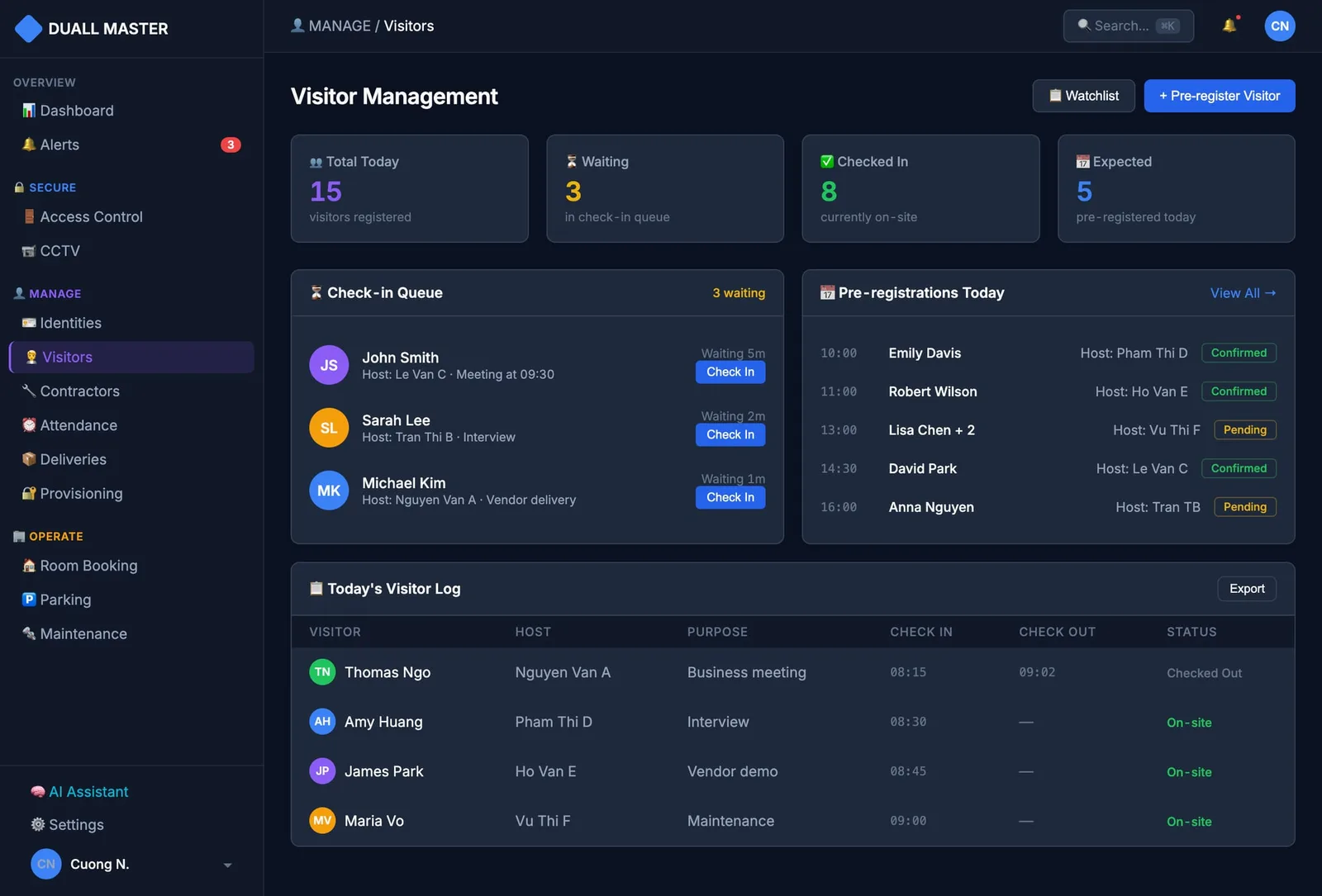
Pre-registration, QR passes, watchlist screening, and host notifications run on the same identity, access, and audit backbone as the rest of your site.
Explore module →Attendance
Because it reuses the same identity, doors, and schedules as access control, attendance needs no extra hardware and no double data entry.
Explore module →Parking
Plate recognition and RFID identify every vehicle at the barrier, sessions tie back to residents, tenants, and visitors, and high-control gates can require a face-and-plate match before they open.
Explore module →Video Management (VMS)
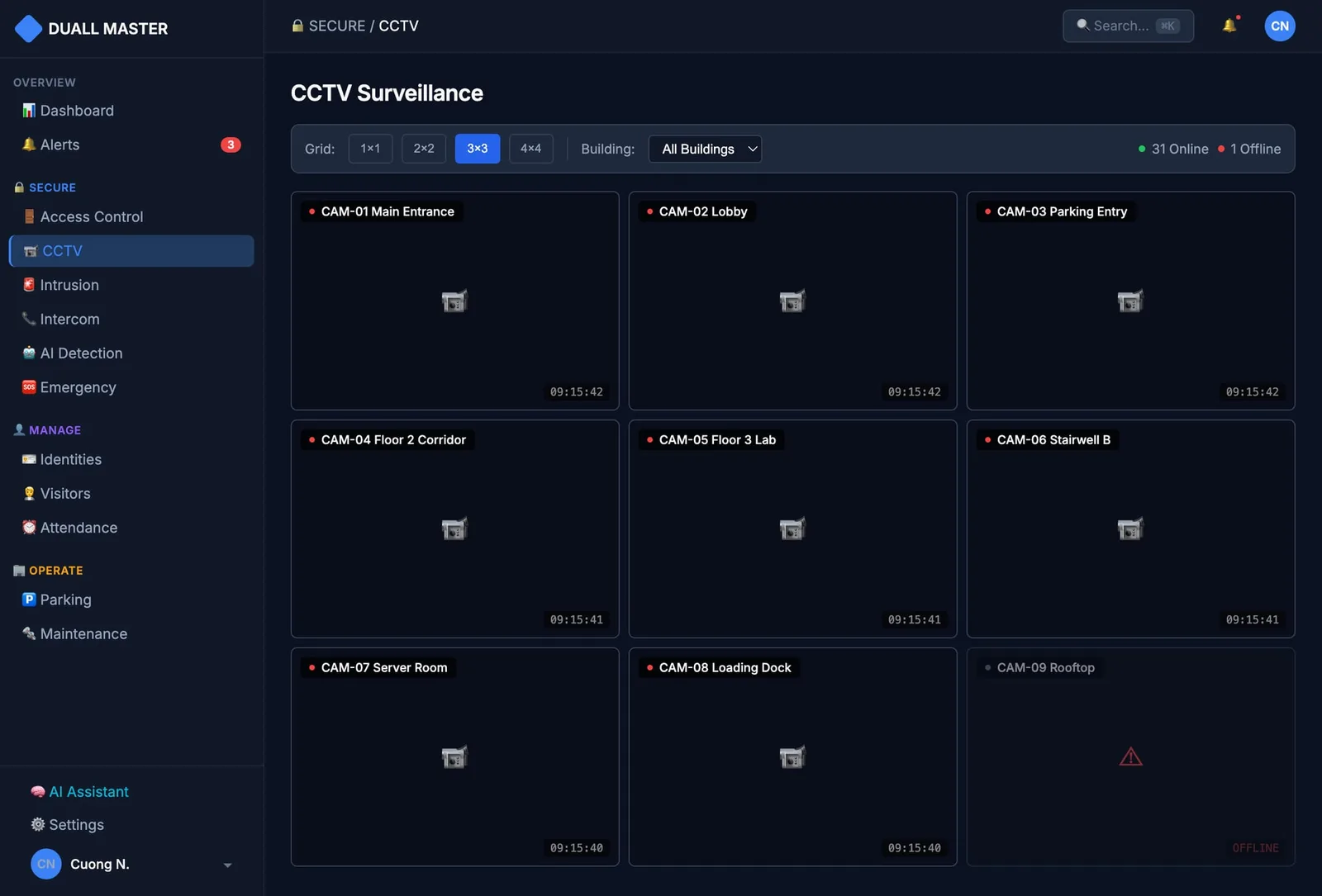
Standalone CCTV makes you scrub hours of timeline. Here, every event points at the right camera and the right second — and every clip you export is evidence.
Explore module →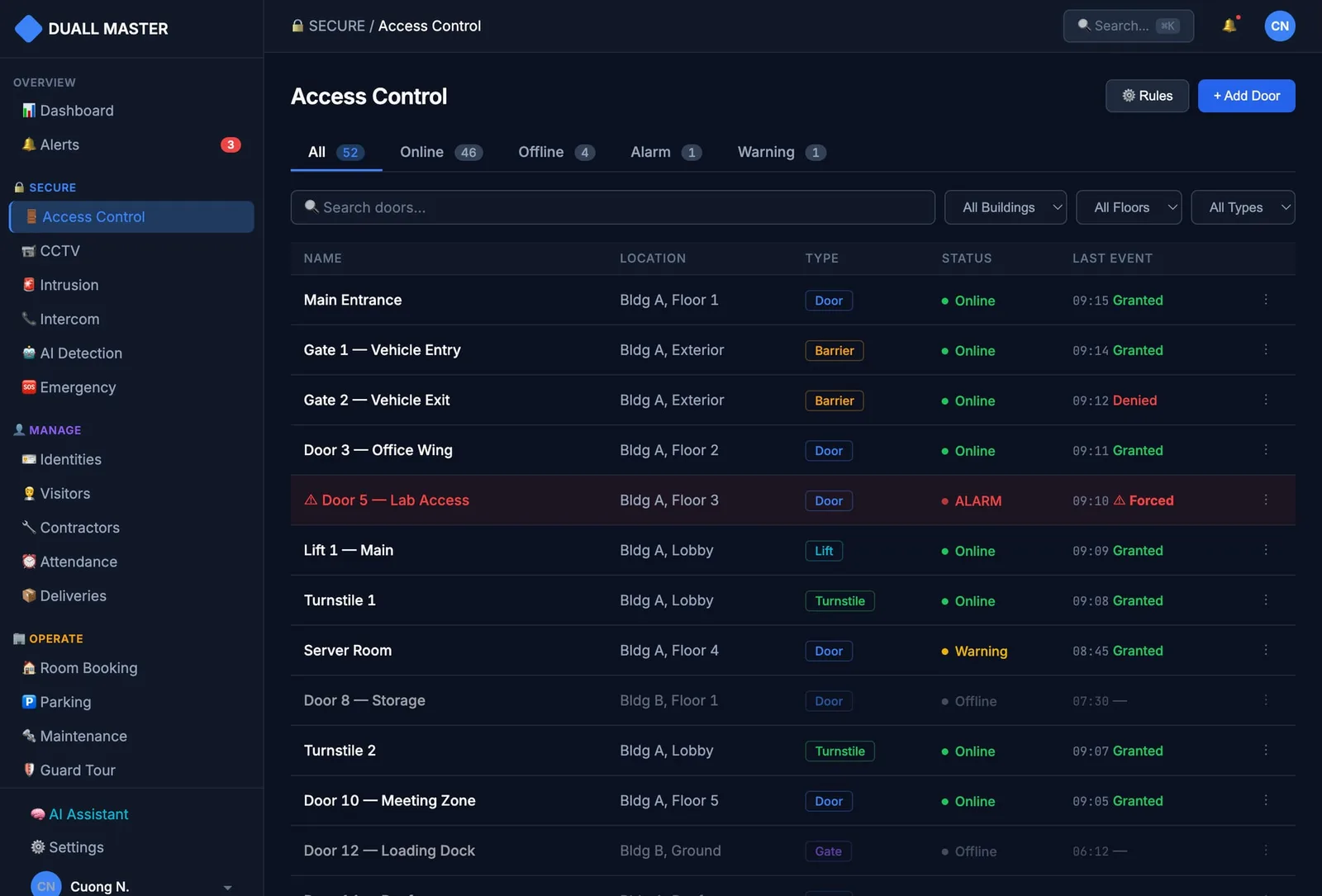
Field references
Deployments that ground this use case
Real customer references delivering capabilities now packaged as Duall Master — scope, hardware, and figures sourced from project documentation.

Access Control + Time Attendance · 2019
Ministry of Information and Communications
The Ministry of Information and Communications has run access control and staff attendance on Duall Master at its Vietnam headquarters since 2019 — 12 doors secured with QR and Face ID, where the same recognized entry also records attendance.

Access Control + Time Attendance · 2022
AhaSlides
A young, fast-moving software startup runs office access control and attendance on Duall Master’s cloud service — live fast with no on-site servers, entry by Face ID, QR, or phone, and most day-to-day tasks handled right from the mobile app.

Access Control + Lift Management + Time Attendance · 2023
STI Office Indonesia
STI runs office access control, lift access, and staff attendance on Duall Master at its site in Indonesia — the same platform proven in Vietnam, working across a building where one credential opens doors, calls the right lifts, and records attendance.
Scenario operating model
Office & commercial buildings needs connected site signals, not another point solution.
Modules in play
- 01
Signal
Doors, visitors, cameras, intercoms, and parking generate live signals — not isolated alerts.
- 02
Context
Identity, policy, site, zone, and related module records attach to every signal.
- 03
Action
Operators approve, deny, review, or escalate inside one governed workspace.
- 04
Audit
Every decision keeps the who, what, when, and evidence — ready for review.
Buyer-facing model for phased adoption: start with the clearest pain, then add adjacent modules on the same foundation.
Deployment and trust
Typical adoption path
- 01
Start with access control on the main entrances and turn those entries into attendance
- 02
Add visitor reception and parking on the same identities and audit trail
- 03
Scale to more floors, tenants, or sites without rebuilding the foundation
Proof path
Evaluate the real workflows before expanding scope.
See live operations
Watch real movement, approvals, and exceptions on the operating timeline — judge the workflow, not a demo script.
Check the shared record
Confirm access, visitors, and devices land on one identity and one audit trail your team can search and report on.
Prove the fit
Validate deployment (cloud or on-premise), integrations, and the modules you start with — before committing to more.
Next step
Discuss Duall Master for Office & commercial buildings
Review module priorities, deployment constraints, integrations, and rollout path for your environment.