Link video to access events: a practical building guide
How to connect access control and VMS so teams can investigate faster, reduce manual camera search, and keep a consistent security audit trail.
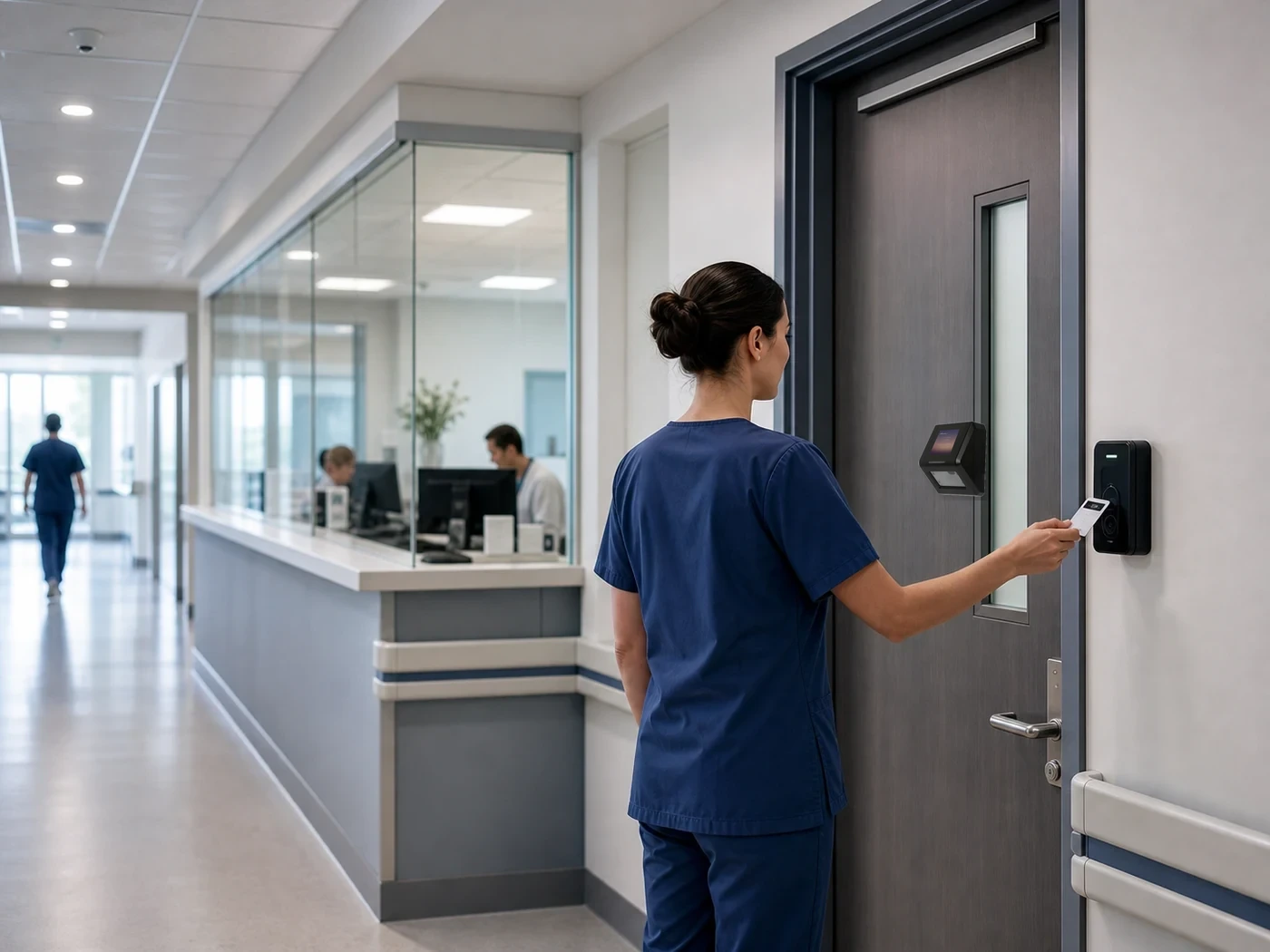
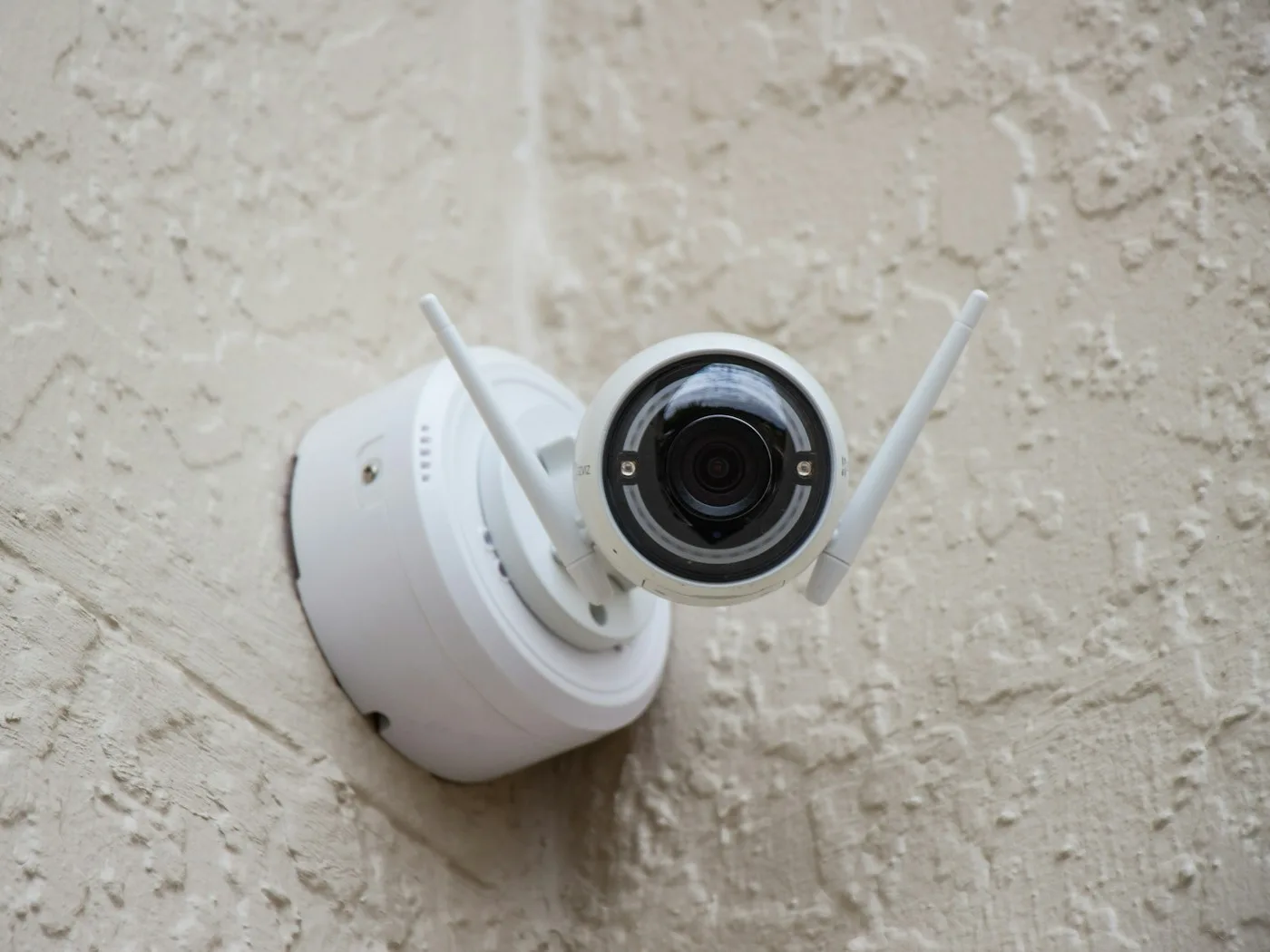
Cameras show what happened on screen. Access control shows who was allowed or denied, at which door, gate, lift, or turnstile, and under which policy. When these systems are separate, every investigation becomes manual: copy the timestamp, open another VMS, choose the right camera, and scrub the recording.
Start from meaningful events
A better operating model is to link video clips directly to meaningful access events: denied attempts, after-hours entries, sensitive-zone access, temporary visitor or contractor credentials, and vehicle gate sessions. This lets security teams start from the event and open the relevant video context immediately.
Implementation checklist
- Use consistent names for doors, zones, devices, and cameras
- Map each critical access point to the cameras that cover it
- Keep access devices, servers, and cameras synchronized to the same time source
- Prioritize review for denied attempts, after-hours access, sensitive zones, and temporary permissions
- Apply role-based permission for viewing or exporting clips
- Record clip views and exports in the audit trail
How Duall Master fits
Duall Master treats Access Control and Video Management as peer modules on one platform foundation. Teams can start with either module and expand, sharing identity, site structure, policies, and audit history while keeping access decisions local to devices for offline-first operation.
From the field
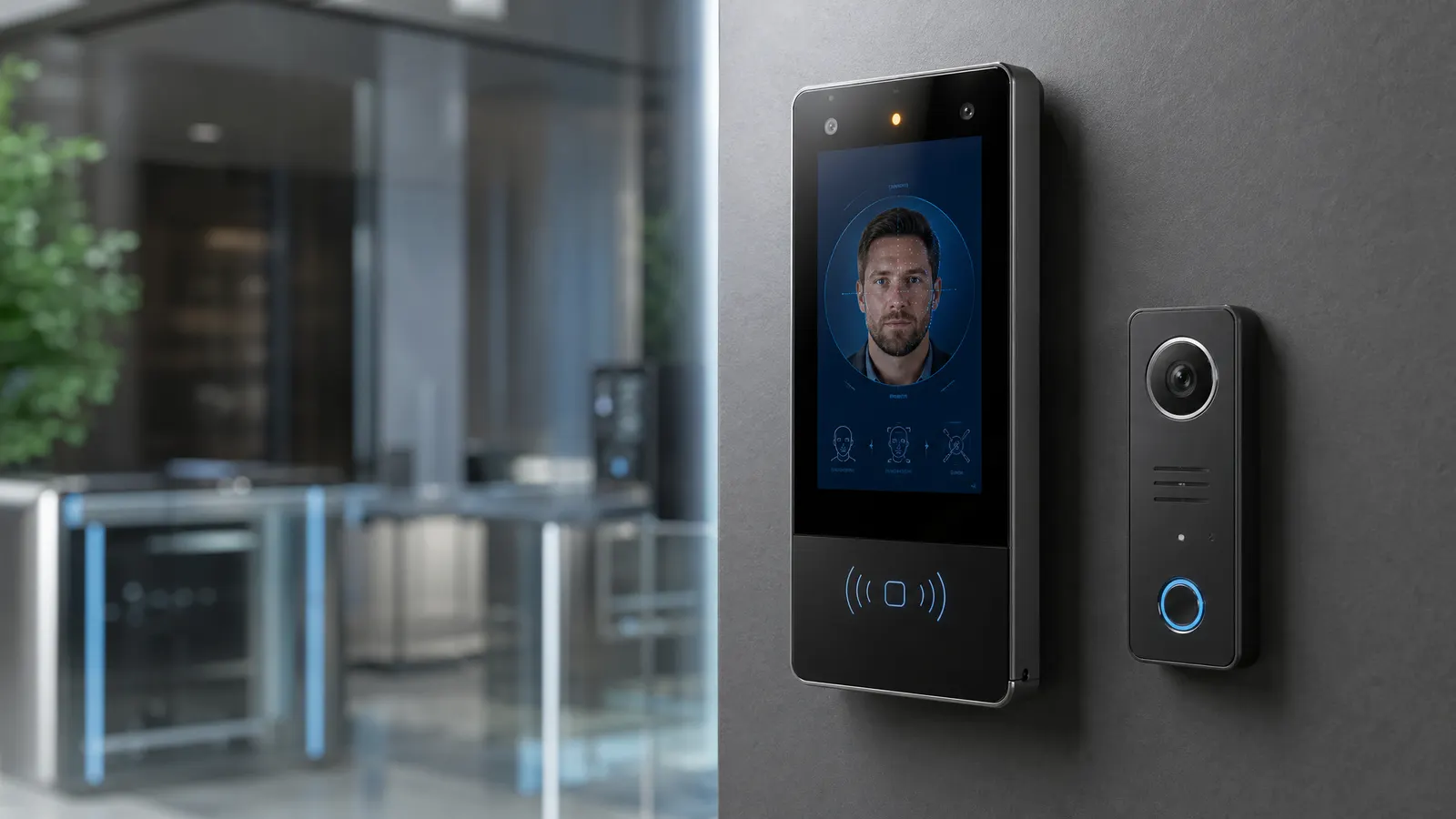
DHG Pharma runs access control, parking, and CCTV together across four manufacturing sites on Duall Master. An entry event and its camera footage line up on one platform — and at controlled gates, two-factor face-and-plate verification means a permitted vehicle can’t enter with the wrong driver.
Keep reading